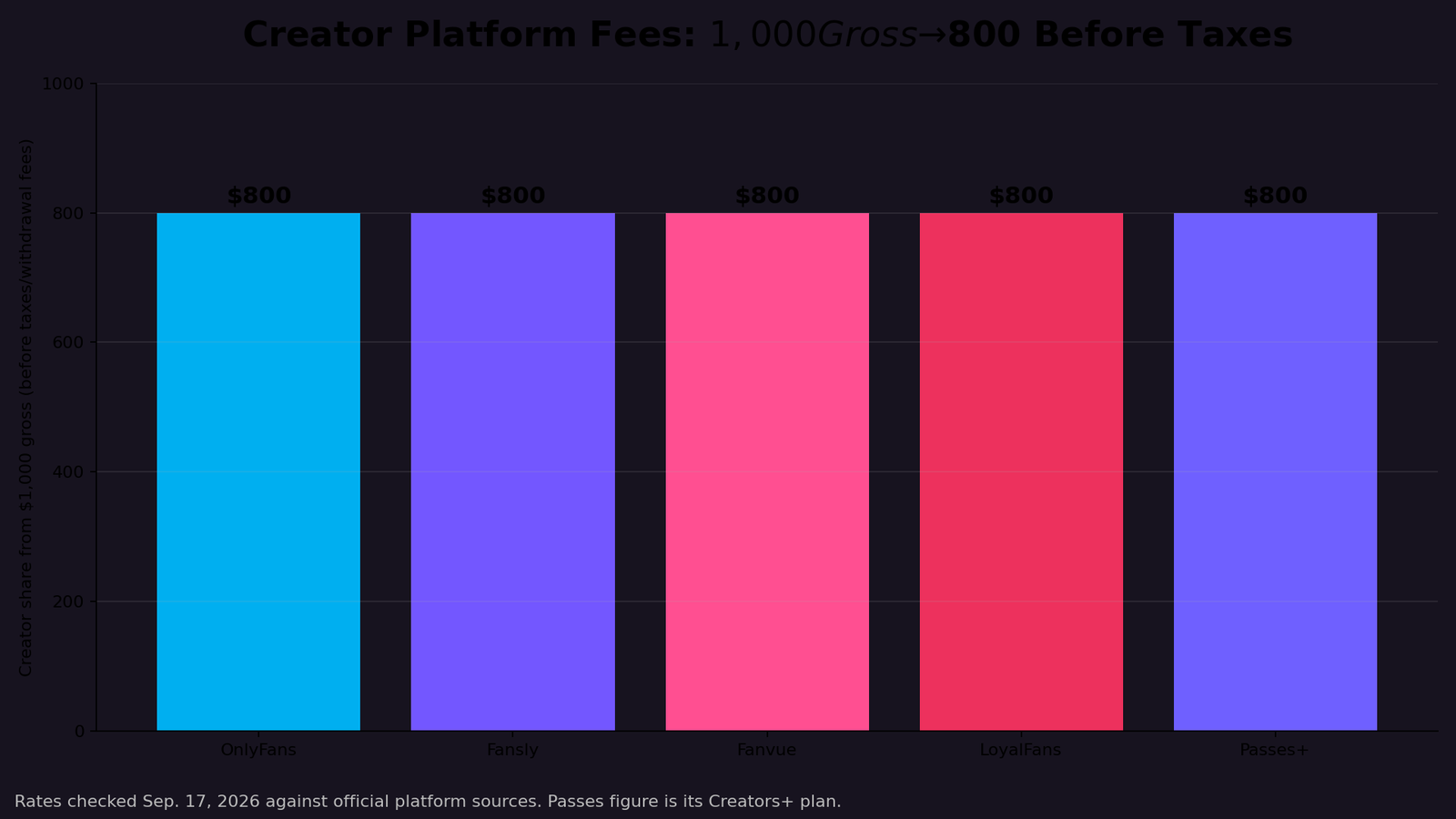
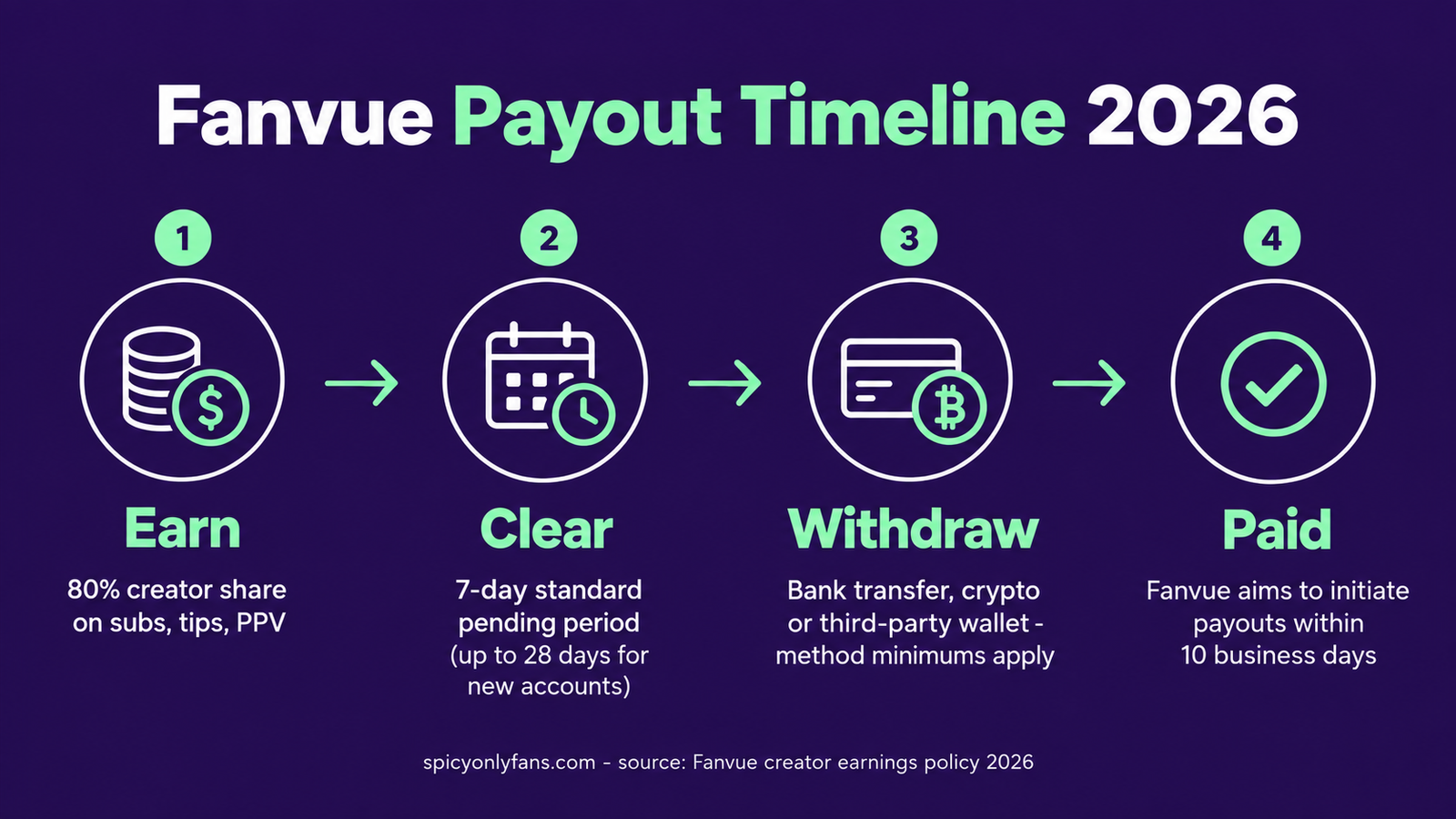
The short version: Fanvue pays creators 80% of gross revenue on subscriptions, tips, pay-per-view messages, bundles and custom content. Earnings clear a standard 7-day pending period before they can be withdrawn, and Fanvue aims to initiate valid payout requests within 10 business days. A brand-new account can wait up to 28 days for funds to clear, so your first payout is the slow one.
Editorial disclosure: SpicyOnlyFans may earn a commission from some links. That never changes the price you pay. Figures below come from Fanvue’s own creator earnings policy and were checked in September 2026; platforms change terms, so confirm the current numbers in your creator dashboard before relying on them.
How Fanvue payouts work
The payout journey has four steps, and the clock most creators care about is the sum of all four:
- Earn. Revenue from subscriptions, tips, PPV messages, bundles and customs lands in your creator balance at the standard 80% share. Fanvue keeps 20% as its platform fee.
- Clear. Each transaction sits in a pending period – 7 days is standard, but Fanvue’s risk systems can extend it to 28 days depending on account verification and activity. Only cleared funds can be withdrawn.
- Withdraw. You request a payout to your registered method once your cleared balance meets that method’s minimum threshold. Supported methods include direct bank transfer, crypto wallets where supported, and third-party wallet services.
- Get paid. Fanvue aims to initiate valid payout requests within 10 business days, though banking delays, compliance checks or incorrect payment details can add time.
Add it up and a realistic first payout lands roughly two to four weeks after the earning transaction. Established accounts with clean verification trend toward the fast end.
Creator earnings rate
The standard split is 80/20 in the creator’s favor across every earning type: subscriptions, tips, PPV, bundles and custom content. Fanvue also runs a promotional earning rate – a temporary higher creator share for newly onboarded creators during an introductory window. The exact rate, eligibility and duration are published in the platform and can change at Fanvue’s discretion, so check what your account is actually on before projecting income. Partnership deals can adjust the rate case by case.
Earnings are calculated before taxes and third-party processing charges, and they can be adjusted down for refunds, chargebacks or fraud deductions.
The pending period, explained
The pending period is the minimum time between a fan’s payment and those funds becoming withdrawable. Seven days is the standard. The extension to 28 days is not random punishment – it applies when Fanvue’s fraud and risk systems want more history on the account, which is why new creators feel it most. Verification completed early is the single biggest lever you control.
Payout methods and thresholds
Fanvue supports three broad withdrawal routes:
- Direct bank transfer – the default for most creators.
- Crypto wallets, where supported.
- Third-party wallet services.
Each method carries its own minimum withdrawal threshold, shown in your payout settings before you confirm. You can request a payout any time your cleared balance meets the threshold – there is no fixed payday you have to wait for.
Fees and deductions to watch
Payouts are made gross of tax: you are responsible for reporting and paying tax in your own jurisdiction, and Fanvue issues documentation such as self-billing invoices, VAT invoices or 1099s where applicable. Two adjustment rules matter in practice:
- Refunds and chargebacks are deducted from your balance, or recovered from future payouts if the money already left.
- Dispute-rate fee: if your account exceeds a 1.5% chargeback or dispute rate in any rolling 30-day period, Fanvue may add a $50 administrative fee per additional dispute. It is discretionary and can be waived for genuine errors, but keeping your dispute rate low is real money.
The dormant balance rule most creators miss
If you stop requesting payouts, the clock starts. After twelve months with no payout or invoice activity, Fanvue classifies the balance as dormant and sends reminders first (around months 9 and 11). For UK, EEA and most international creators, a dormant balance is treated as waived – Fanvue can close and keep it, though late claims within six years may be reinstated at its discretion. For US creators, unclaimed balances eventually go to state unclaimed-property authorities under escheat law, and you would reclaim from the state instead. The practical rule is simple: withdraw on a schedule and never let earnings sit for a year.
“Creators obsess over the revenue split and forget the timeline. An 80% share paid three weeks late beats an 85% share you can’t withdraw for a month – cash flow is part of the deal.” – Andy Sharp, SpicyOnlyFans
How to get paid faster on Fanvue
- Finish KYC verification early. Verification status directly affects whether your pending period stays at 7 days or stretches toward 28.
- Keep payment details current. Failed payouts from outdated details are your delay, not Fanvue’s, and incorrect details void the timeline.
- Request as soon as funds clear. Payouts are on request – cleared money does not move by itself.
- Keep your dispute rate under 1.5%. Beyond the fee risk, disputes slow compliance checks on payouts.
- Have tax documents ready. Missing documentation can delay or hold payouts when requested.
- Report problems within 30 days. After 30 days from the transaction, Fanvue makes no adjustments.
Frequently asked questions
How long does a Fanvue payout take?
Budget the 7-day pending period plus up to 10 business days for the payout itself. New accounts can see the pending period stretch to 28 days, so first payouts often take three to four weeks from the sale.
What is the minimum payout on Fanvue?
The minimum depends on the withdrawal method you choose and is shown in your payout settings before you confirm. Bank transfer, crypto and third-party wallets each carry their own threshold.
How often can you withdraw from Fanvue?
Whenever your cleared balance meets your method’s minimum. There is no fixed weekly or monthly payday – payouts are on request.
Does Fanvue hold your first payout longer?
It can. The standard pending period is 7 days, but Fanvue’s risk systems may extend it up to 28 days based on verification and account activity, which most commonly affects newer creators.
Compare before you commit
For the full platform picture, read our Fanvue review for 2026, and see how its split and fees stack up against rivals in our creator platform fee tracker. Check the current offer and creator terms through our first-party Fanvue route.

- 80% creator share on every earning type
- Bank, crypto and wallet payouts on request
- Standard 7-day pending period
By Andy Sharp. Payout terms checked against Fanvue’s creator earnings and payout policy in September 2026 and can change.